Paint 84
Paint like it's 1984.
Paint 84 is a 1-bit paint program for your modern Mac. Every pixel is black or white, the whole desktop is straight out of the classic Mac era, and your drawings can also open on a real Macintosh from 1984.
Tools
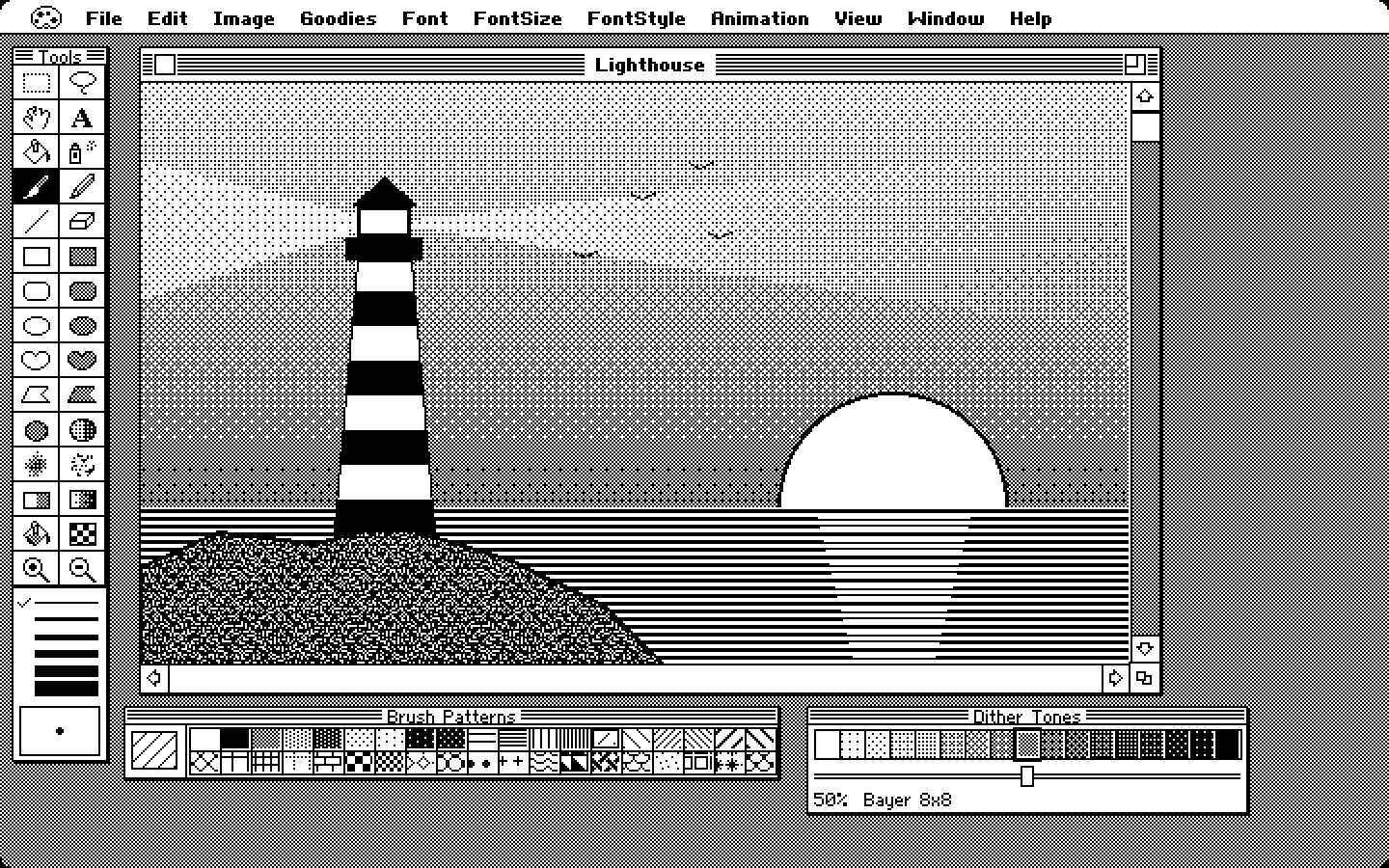
The whole tool palette.
All the classic MacPaint tools are here, plus a set for dithered tones and one for transparency. Each one is a single key away.
- Selecting: the marquee, the lasso that shrinks to fit your shape, and the grabber
- Painting: the pencil that flips black and white, the paintbrush with 31 brush shapes, the spray can, the paint bucket, the eraser and text
- Shapes: lines, rectangles, rounded rectangles, ovals, freeform shapes and polygons, hollow or filled, in six line widths
- Tones: dither, shade, soft and stipple brushes, a dither eraser, gradients and a tone bucket
- Transparency: mark the parts of a sprite to add a transparency mask on export to a file format that supports transparency
- 38 patterns you can redraw pixel by pixel, mirror painting, and FatBits for single pixels
Dither Tones
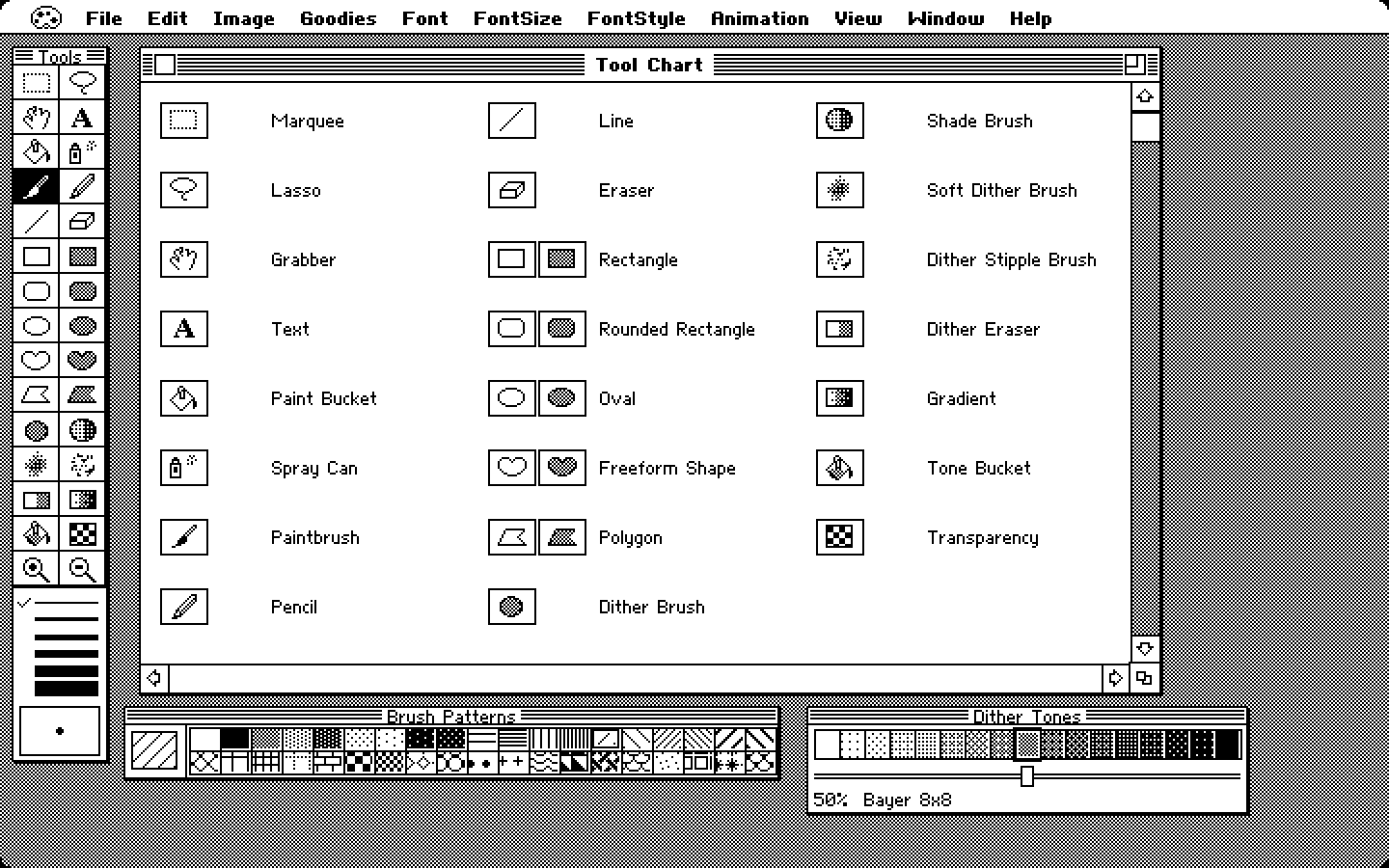
Gray, without the gray.
Pick a tone from 0 to 100 percent and Paint 84 turns it into black and white dots as you paint. Shading, soft airbrush edges and smooth gradients, and the picture never stops being 1-bit.
- Ten dither methods, from Bayer and blue noise to Atkinson and halftone dots
- Dither, shade, soft, stipple and eraser brushes
- Linear, radial, diamond and shape-burst gradients
- Turn any photo into crisp 1-bit art with a live preview
Image
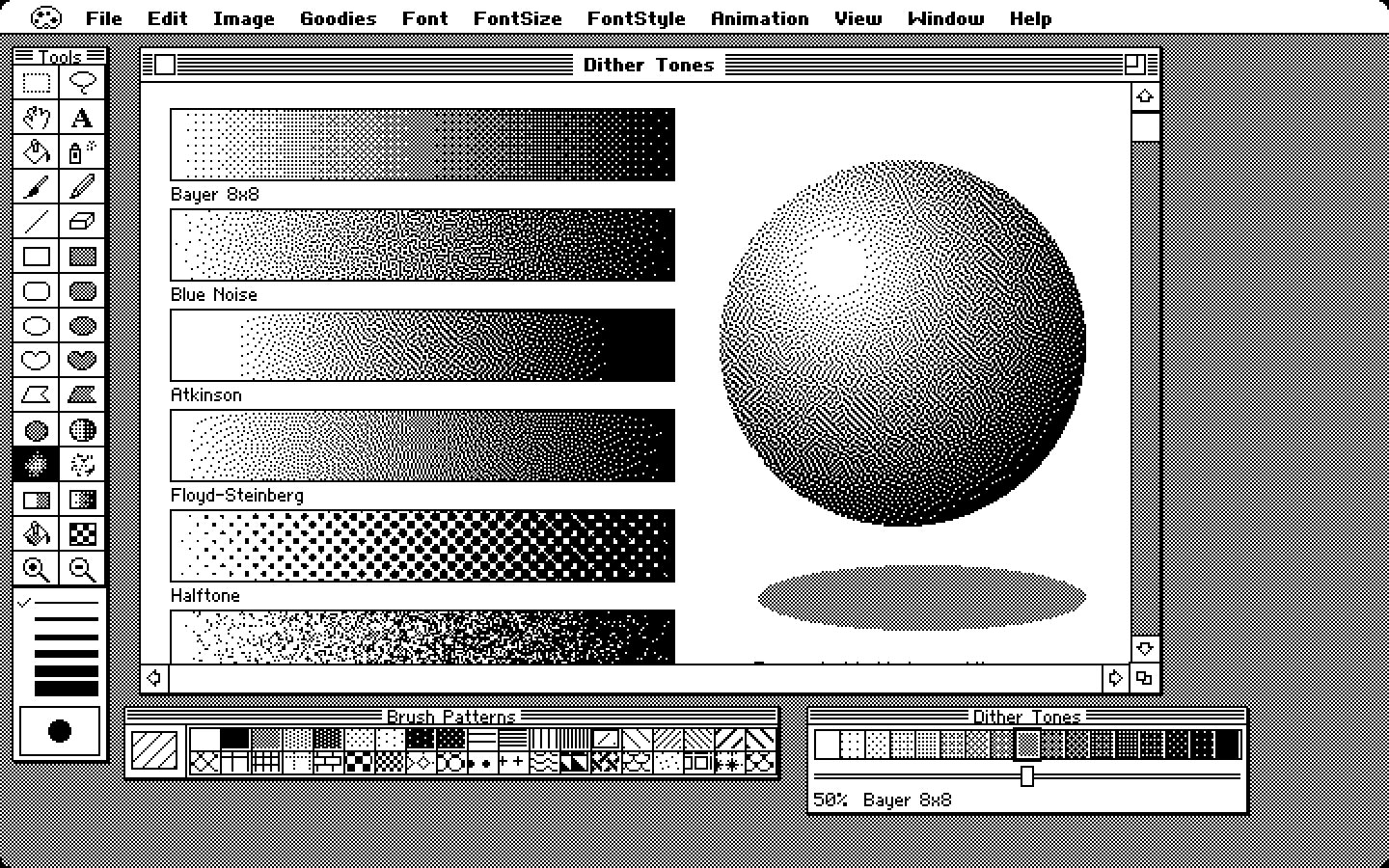
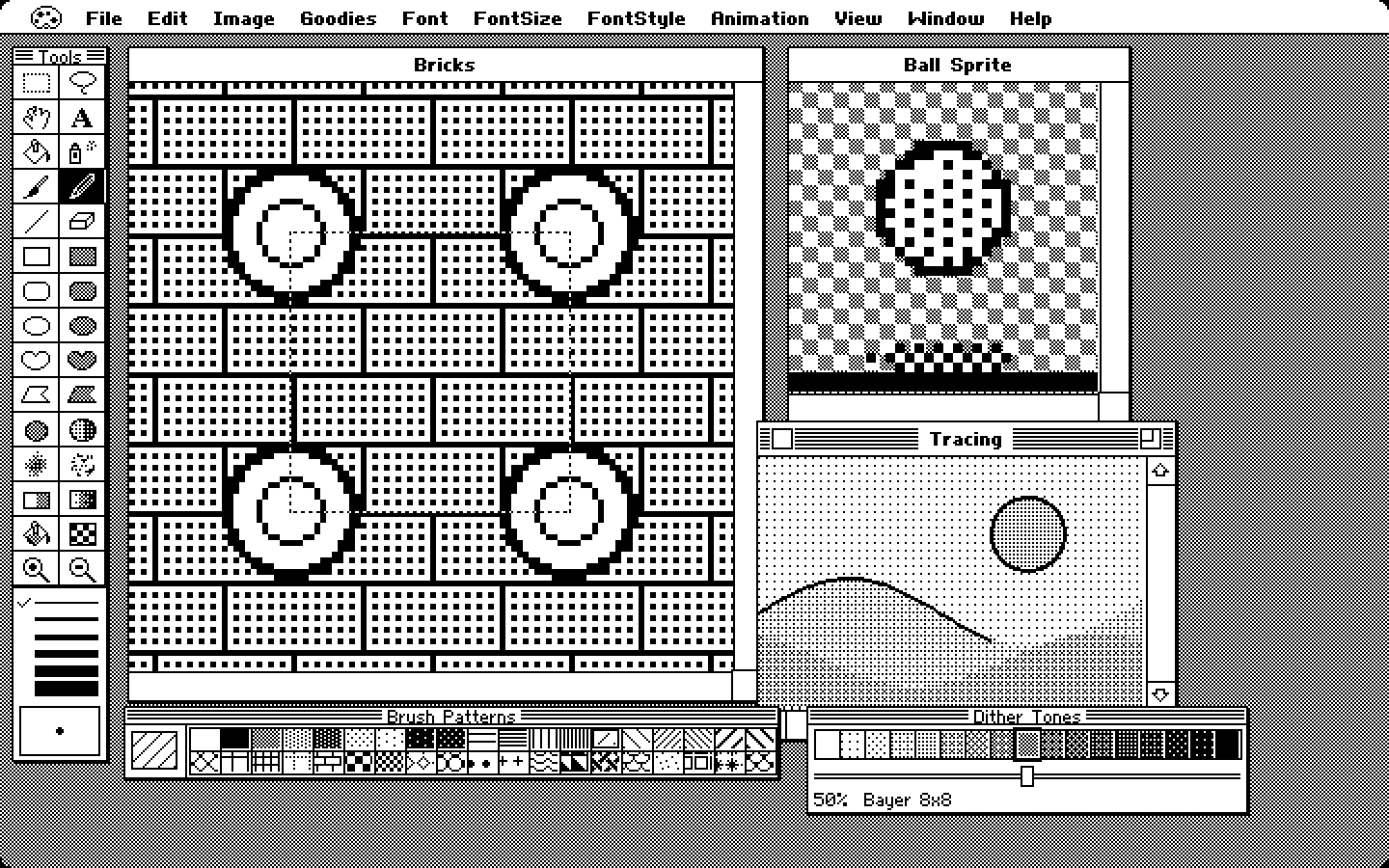
Sprites, tiles and tracing.
The Image menu has three things that go with a drawing without being part of it.
- Transparency layer: mark the background of a sprite and it comes out transparent in PNG, GIF, APNG and spritesheet exports, ready for a game
- Tile mode: copies of the picture fill the window and anything you draw off one edge comes back on the other, for seamless patterns and game tiles
- Reference image: put a photo under the drawing as light dots and trace over it. It's never saved
Animation
Make it move.
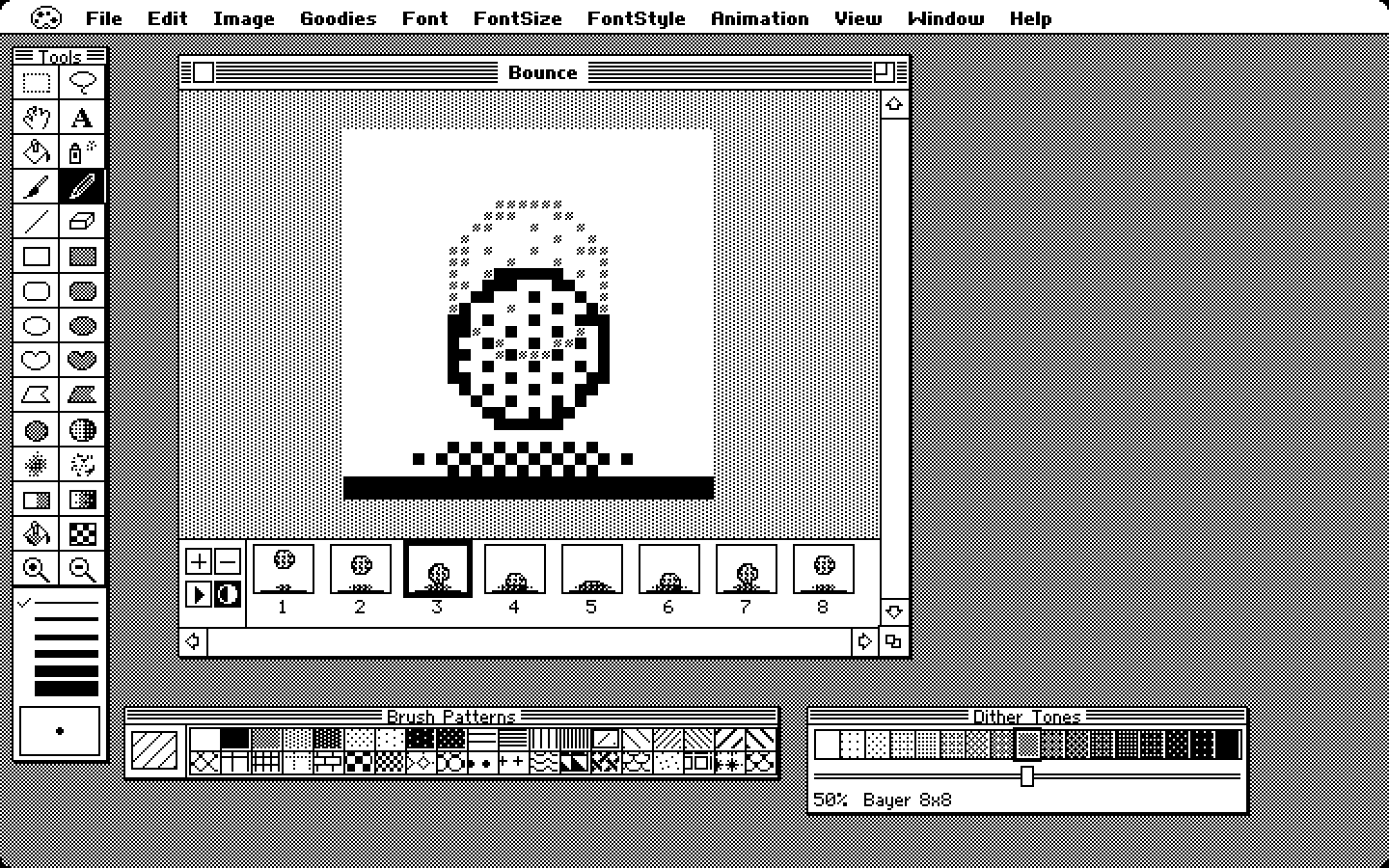
Draw a frame, add the next one, and see the last one as a ghost underneath. Little 1-bit sprites come to life in minutes.
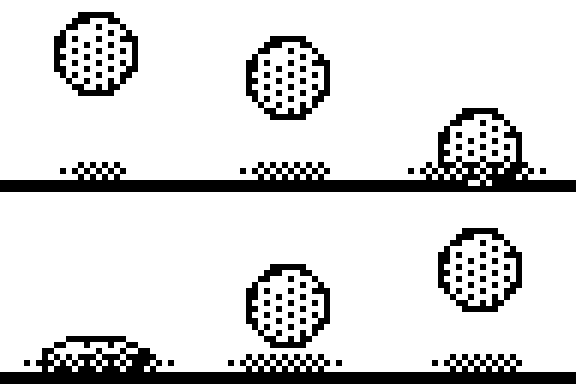
- Timeline with drag-to-reorder, playback and three loop modes
- Onion skin, tweening and "next frame with a move" for walks
- Export animated GIF, APNG, numbered frames or a spritesheet with JSON for game engines
Vintage Mac
Send it back to 1984.
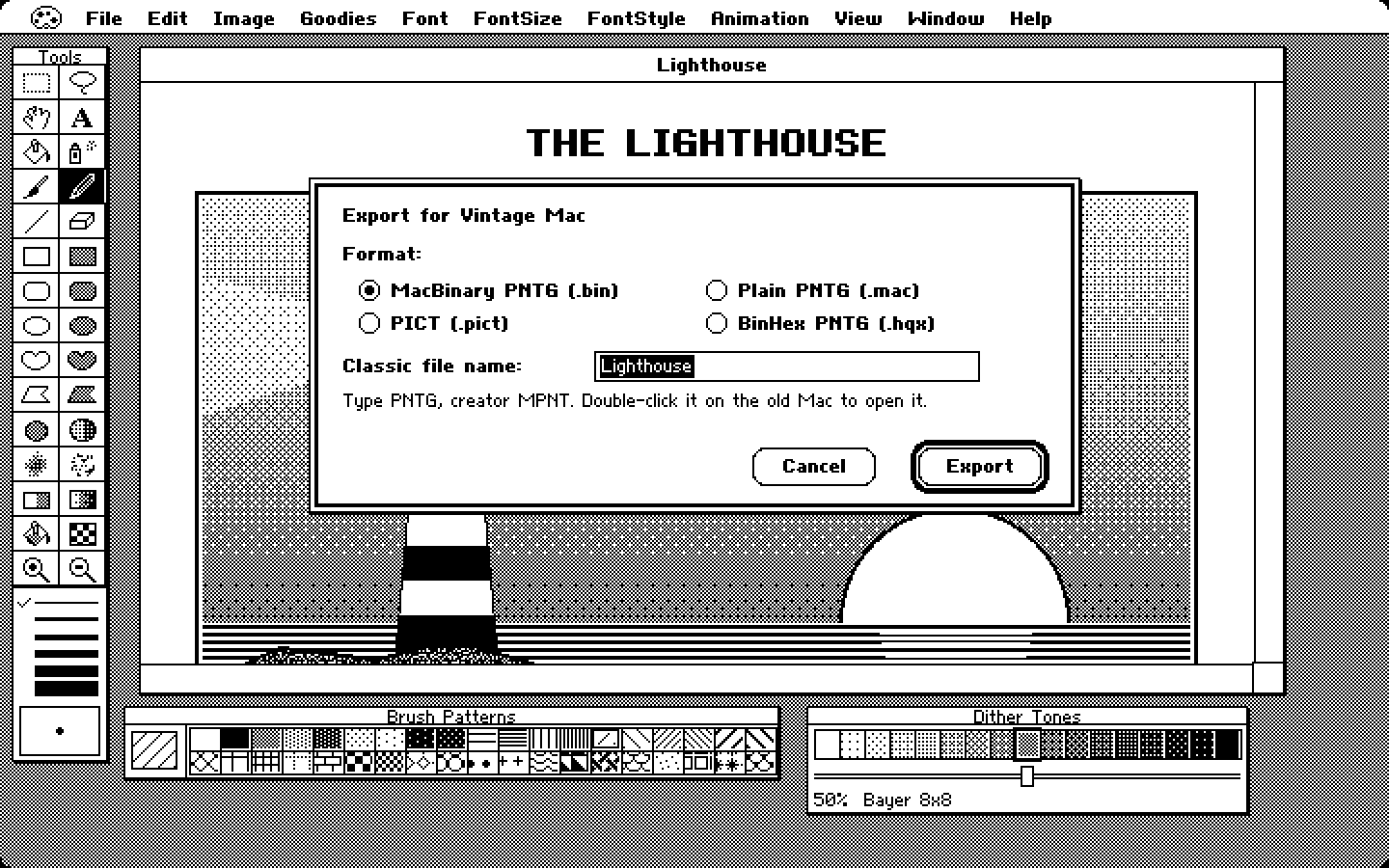
Export a drawing as a MacPaint document and double-click it on a Macintosh Plus, an SE or an emulator. Paint 84 even builds the floppy disk for you.
- Export to MacPaint documents, MacBinary, BinHex and PICT
- Export to 800K floppy images for emulators, floppy emulators and real vintage hardware
- Open drawings straight from old disk images
Text
Type in pixels.
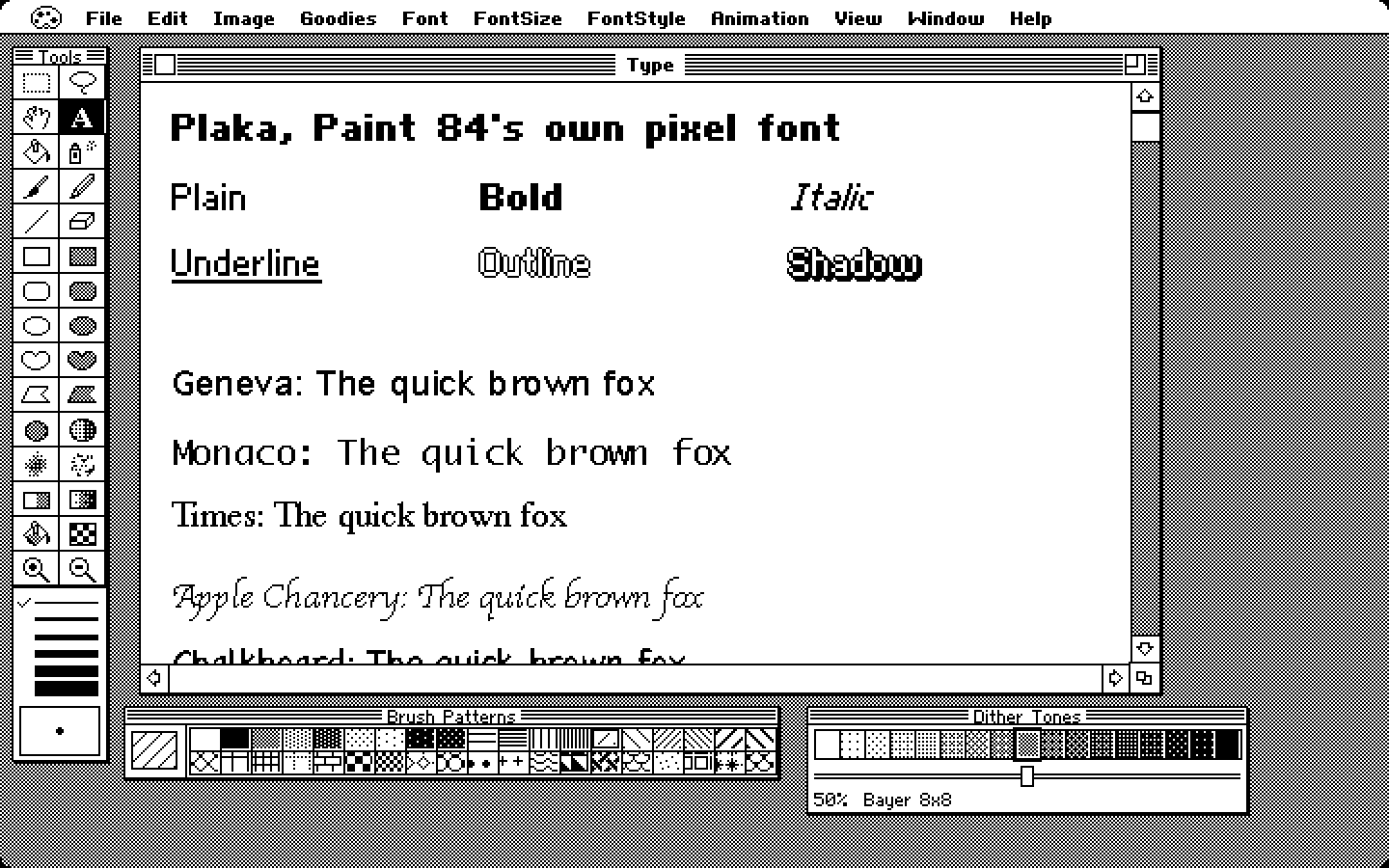
Plaka is Paint 84's own pixel font, drawn for the app, with bold, italic, underline, outline and shadow. Prefer something else? Use any font on your Mac, drawn in pure black and white.
- Classic faces like Geneva, Monaco, Courier and Times
- Every installed font, with search and a preview
Desktop
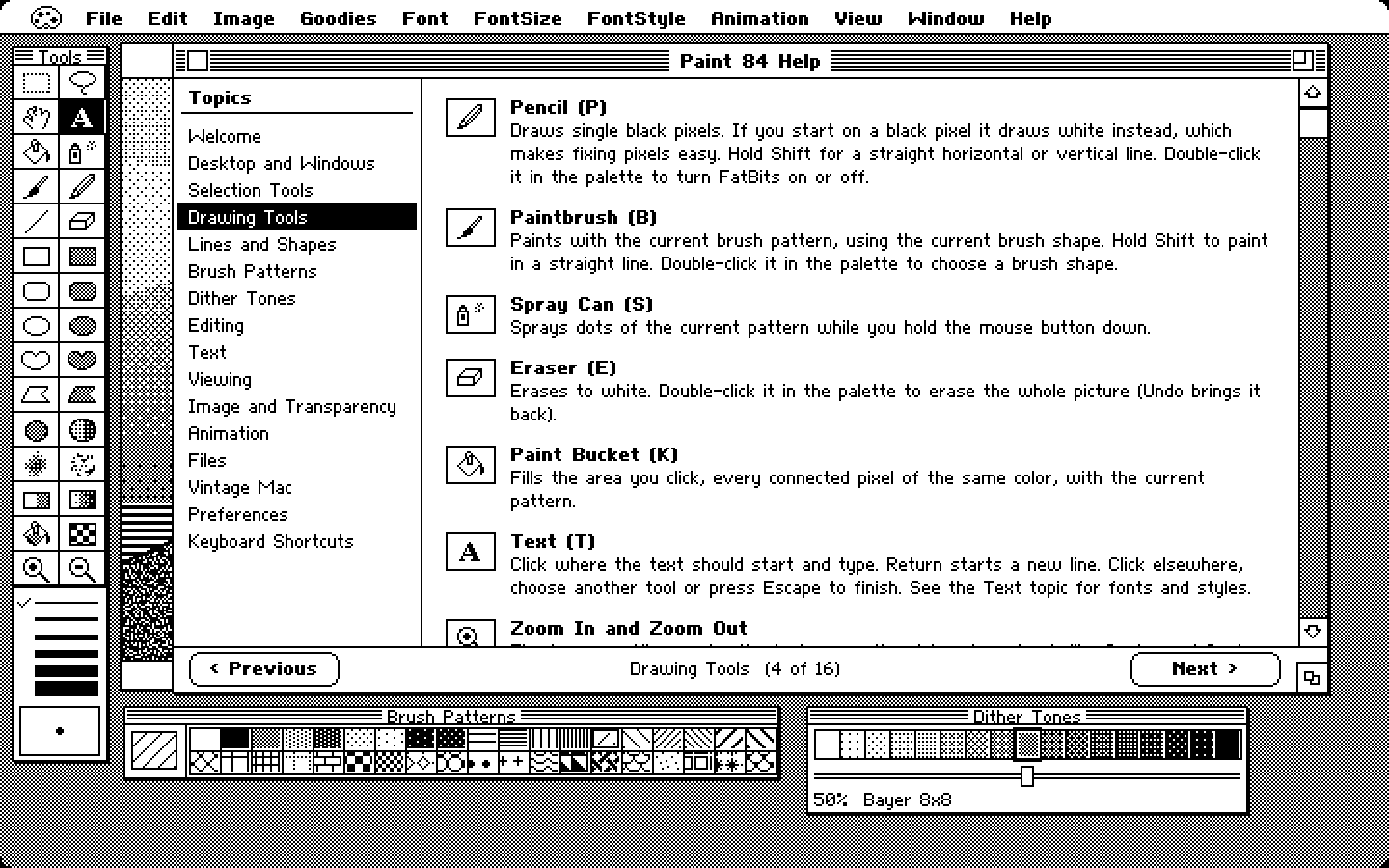
A classic Mac desktop.
Striped title bars, menus that blink when you choose them, dialogs with thick default buttons and 1-bit cursors. And a full guide built right in, with every tool explained.
- Every menu is mirrored in the real macOS menu bar, so shortcuts work as usual
- Night view, a CRT filter and full screen for the full vintage experience
The details
Strictly 1-bit
No gray, no smoothing. What you draw is exactly what gets saved.
Sharp exports
PNG, TIFF, GIF, and PDF and SVG traced into vectors, so pixels stay square at any zoom.
Real Pixels
See your drawing with one pixel per screen pixel, or zoom right in.
Finder previews
Drawings and MacPaint files show their picture in Finder and Quick Look.
Drag and drop
Drop pictures in, and drag a selection out into any other app.
Your own patterns
Redraw any of the 38 patterns pixel by pixel, then save and share them as pattern sets.