From .hqx and .sit to mountable disk images for Mini vMac
I'm trying to revive my old Macintosh Plus. The plan is to put a BlueSCSI in it, so instead of a real hard drive it boots from an SD card, and I've started building the hard disk image that will go on that card: System 6.0.8 plus the software I want on the machine. I'm putting it together in Mini vMac, an emulator of the same Mac Plus, so I can set everything up on my modern Mac before any of it touches the real hardware.
Most of the old games and apps I wanted come as .hqx or .sit files, and that's where last night went.
Getting files into the emulator
Mini vMac can't see files on your Mac's disk. It only mounts disk images, so dragging a .sit straight onto its window gets you nowhere:
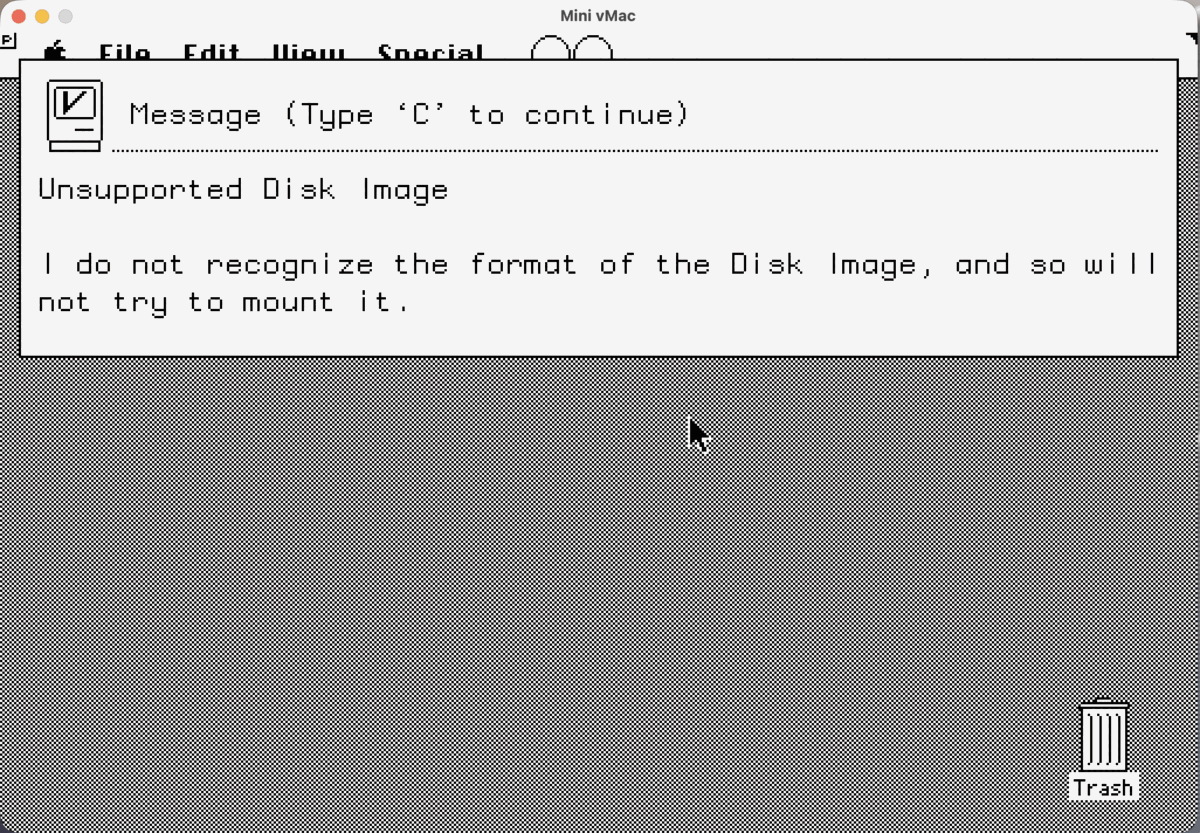
.sit onto Mini vMac: "Unsupported Disk Image".For single files there's a small utility called ImportFl: you run it inside the emulated Mac, drag a file onto the Mini vMac window, and it saves a copy onto the emulated disk. So my first approach was to import the .sit files with ImportFl and expand them inside System 6 with StuffIt Expander, the way you would have done it back in the day.
StuffIt Expander didn't recognise them
That mostly didn't work. StuffIt Expander either didn't recognise the files at all or refused to open them. It took me a while to work out why, and it turned out to be three separate problems:
- Double wrapping. Some downloads are a StuffIt archive wrapped in BinHex (
.hqx, the text encoding used to send Mac files safely over email and the early internet). The StuffIt versions that run on System 6 can't decode BinHex; that needs a separate tool first. - Newer StuffIt formats. A lot of archives are saved in the StuffIt 5 format from 1998. No version of StuffIt that runs on System 6 can open those, however you get them onto the machine.
- Lost file types. Classic Mac files carry a hidden type and creator code, and that's how the old tools know what a file is. ImportFl brings files in without them, so even a perfectly good archive just looks like an unknown document to StuffIt Expander.
The fix: unpack on the host, mount a .dsk
In the end I stopped fighting it inside the emulator. I unpack everything on my modern Mac instead, with unar (the command-line version of The Unarchiver). It handles BinHex and every StuffIt version, and on macOS it keeps the resource forks and type and creator codes that old Mac files depend on.
What comes out is either a disk image or a pile of loose Mac files, so a small Python script turns each download into a raw .dsk image that Mini vMac can mount:
- Existing disk images, such as Disk Copy 4.2 images, get converted to raw
.dsk. - Loose files get packed into a fresh HFS volume, with their folders, resource forks and type and creator codes intact.
Now it's simple: I drag a .dsk onto the Mini vMac window, it mounts as a disk in System 6, and I copy the game or app onto the emulated hard disk. No ImportFl, no StuffIt, no guessing why a file won't open.
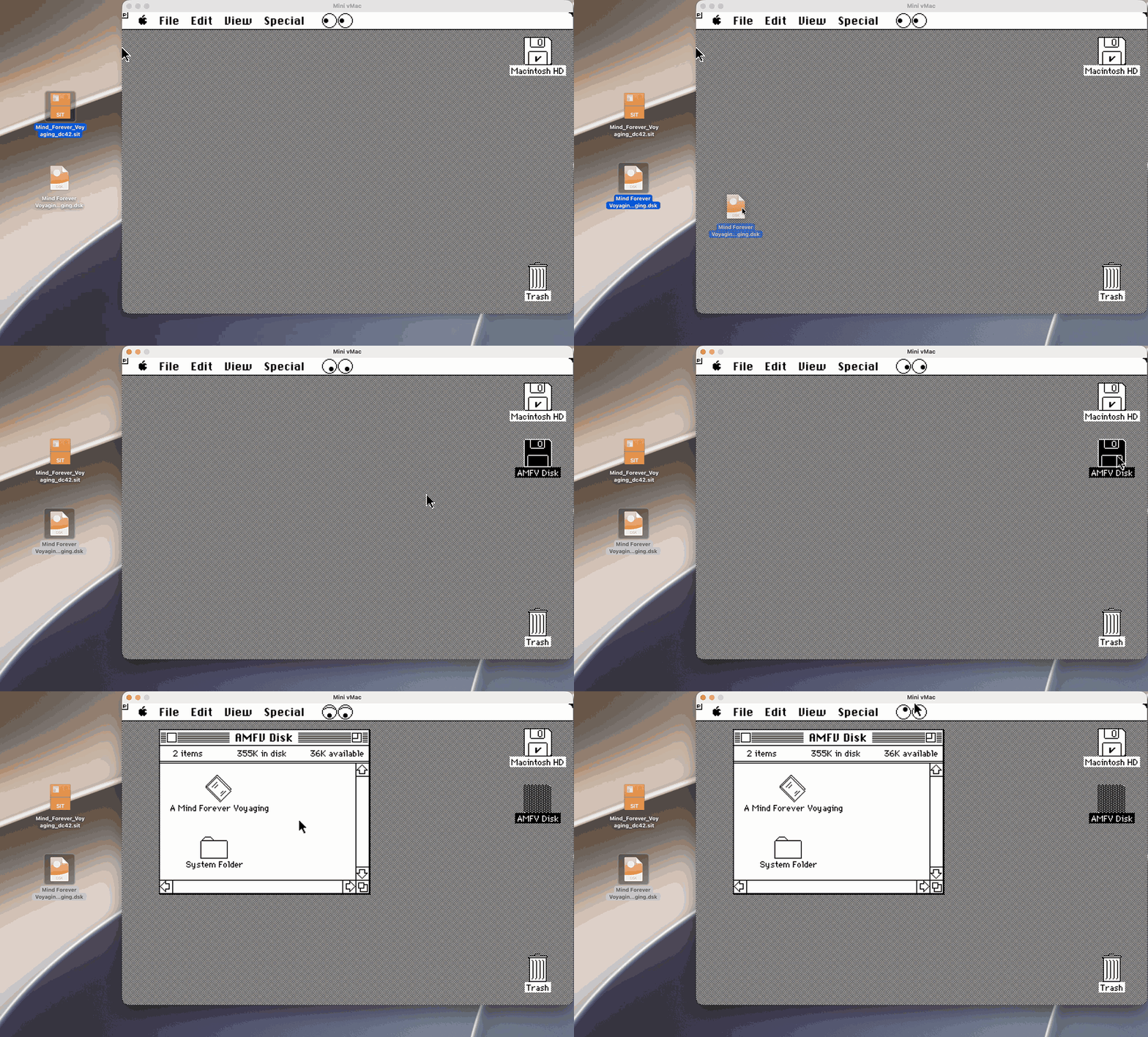
.dsk dragged onto Mini vMac mounts straight away as AMFV Disk.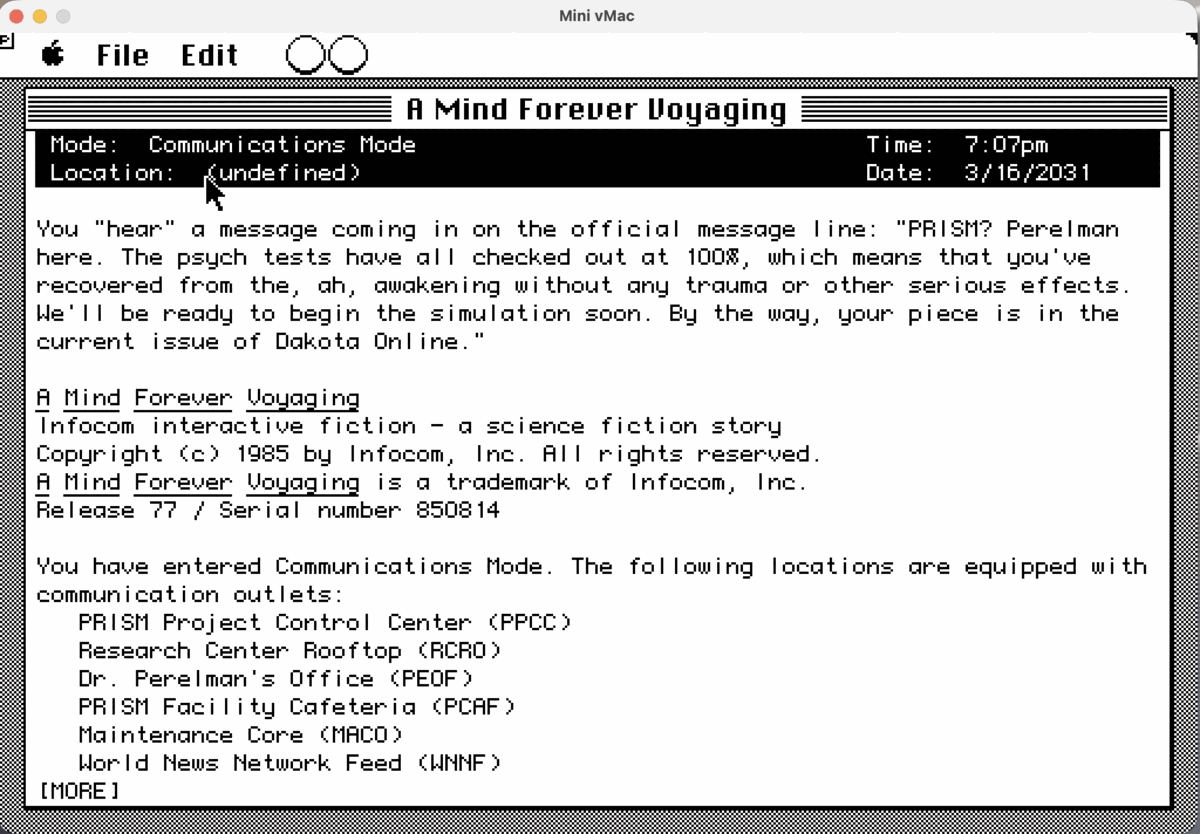
Next
The next step is to test everything in the emulator, finish the hard disk image, and then copy it to the SD card for the BlueSCSI and try it on the real Plus.